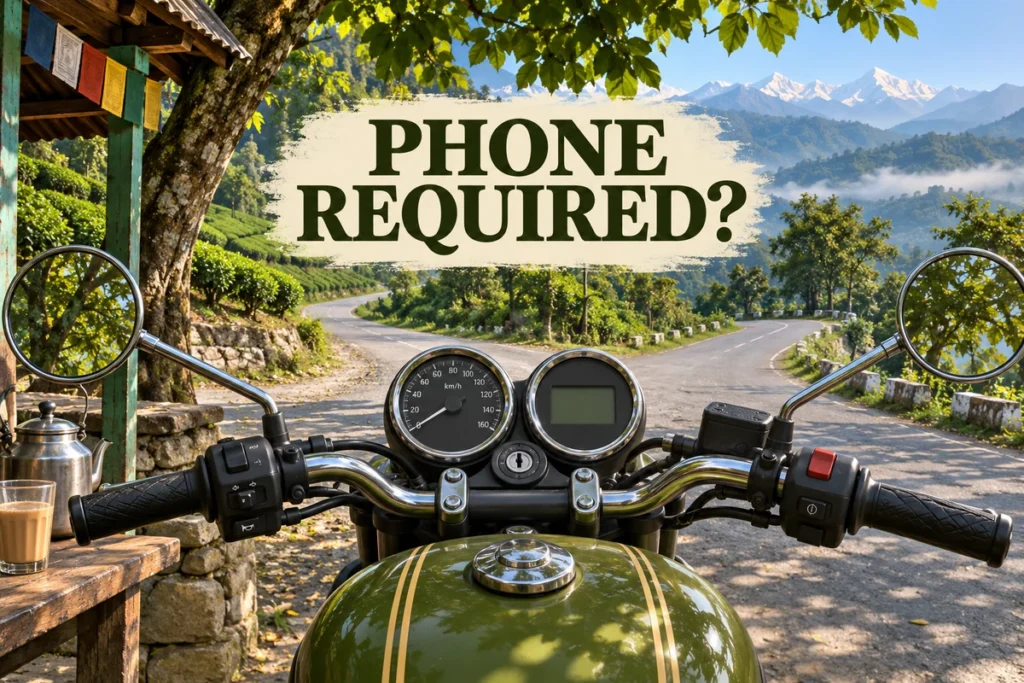

A Royal Enfield Classic 350 with the small Tripper pod still needs a phone for route guidance. Royal Enfield describes Tripper as a turn-by-turn display that connects by Bluetooth to the Royal Enfield mobile app, whose navigation uses Google Maps. The pod can keep the phone out of your hands or off the handlebar, but it doesn’t make the phone optional. Make that distinction before paying for the feature or depending on it for a route in an unfamiliar area.
Highlights
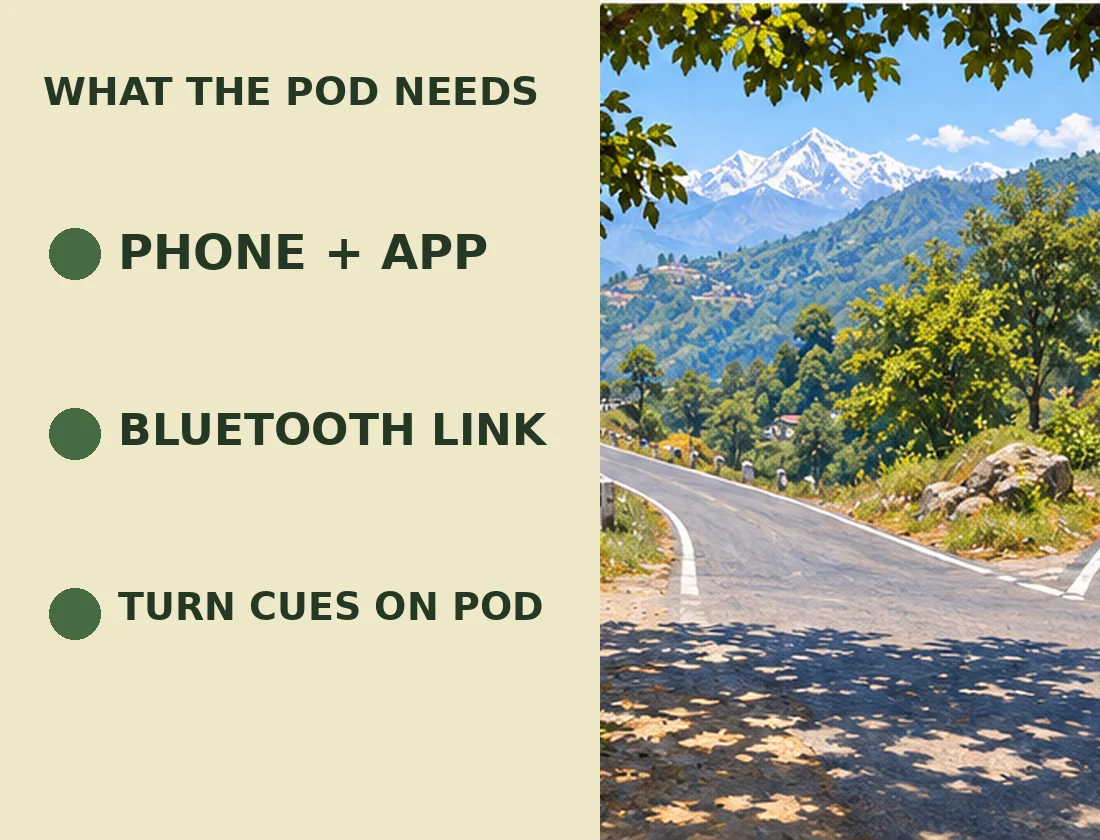
- On a Classic 350 equipped with the Tripper pod, the phone app supplies the route and the pod shows the turn cues.
- Verify fitment on the actual variant; the circular turn-by-turn pod is not the full-map Tripper Dash.
- Start the route while parked, check the first instruction, and have a backup plan for loss of phone power, connection or signal.
What the pod does and does not replace
The Classic 350 rider quick-start guide explains the Tripper in terms of an app connection and a small navigation display. It is useful if you want the next instruction but don’t want to mount a phone. You still need a working, compatible phone with the app set up. At the dealership, ask to connect your own phone rather than only watching a prepared demo device. The fact that a motorcycle and a phone have been paired once doesn’t by itself tell you the current route is being shown.
Don’t confuse the small pod with other models’ Tripper Dash full-map display. They are not the same product, even though the names sound alike. The use case here is the Classic’s small display and short at-a-glance directions. If seeing a junction map, alternative routes or more surroundings on screen matters to you, ask which display is actually fitted and try it with an unfamiliar route while stationary.

Start at the first turn, not the last
On the day of a longer ride, select the destination before leaving. Check the address and the first step in the app, and make sure the pod shows the same instruction before rolling away. Have enough battery on the phone for navigation as well as any calls. Check in advance how you can safely charge or access it at a stop. Put the phone away where it won’t distract you. If the pod loses guidance, continue only according to the road and signs, pull over somewhere safe and then look at the phone.
Phone power, Bluetooth pairing and access to route data are separate things. A phone can have a healthy battery but a disconnected app; it can be paired but still unable to obtain the route you asked for. Don’t assume the Classic pod can calculate a route on its own or that an offline map in another app automatically powers it. Where your trip crosses patchy coverage, check the feature on your app version before relying on it and keep independent route notes, landmarks or a separate offline map for use at a stop.
Buy it for your actual routes
During a city commute to the same place, the pod may sit unused most days. On a weekend ride with frequent turns in new towns, brief cues can be valuable. In a dense road network with parallel service roads or closely spaced ramps, it is still worth knowing the next major landmark. The display is a reminder, not an instruction to take a sudden turn across traffic. If you miss an exit, follow signs to the next safe option and reassess the route only when stopped.
The Royal Enfield Tripper overview explains the app and Bluetooth setup. The Classic 350 India model page cautions that equipment can vary by variant. Ask the dealer to state whether the pod is included, optional or not offered on your selected bike and whether the quote includes it. The older official Meteor video below shows the same basic phone-and-pod idea but is not a Classic 350 equipment list or a guarantee of exact current app screens.
Watch the manufacturer video on YouTube.
Quick answer before you book: yes, bring a phone if you want the Classic 350 Tripper to navigate. Use a supervised demo for compatibility and make sure the feature on your exact motorcycle is the one you intend to buy.
If the pod does not show a direction
Check the phone at a stop. First confirm the intended route is open in the Royal Enfield app, rather than just in a separate maps app. Then check whether the phone and pod still show a connection and whether the app has what it needs to obtain the route. Consult the manufacturer’s setup instructions if you need to reconnect. A display that shows the time but never receives directions does not, on that fact alone, establish that the pod is broken.
If none of the basic checks helps, write down the app version, phone model and what the pod says, then ask the dealer or Royal Enfield support to help reproduce it while parked. Don’t troubleshoot at a junction.


Pingback: Himalayan 750 Wingman 2.0 vs Tripper Dash: A Buyer’s Guide