
Honda India lists RoadSync on the new CB350RS, but Bluetooth is not the same thing as a map on the meter. Honda describes the RS instrument as analogue-digital, and its own RoadSync explainer ties on-meter turn arrows to TFT-equipped models. If navigation is why you’re choosing the CB350RS, take your phone to the showroom and ask to see exactly what the bike shows and what you have to hear through a headset.
Highlights
- Honda lists RoadSync for the new India-spec CB350RS. Don’t assume an older used RS has the same hardware.
- The system pairs with a smartphone over Bluetooth; it isn’t built-in standalone GPS.
- Confirm supported navigation cues on the exact unit. A pairing icon is not a route preview.
What the 2026 CB350RS spec actually confirms
The Honda India CB350RS product page lists RoadSync and an analogue-digital meter. The page is not a feature-by-feature inventory for every model year. If you’re choosing between a used bike and a new bike, ask the BigWing dealer to check the exact model details against the number on the proposed vehicle and its handbook. Don’t infer equipment from a listing that simply says CB350RS, or from a dealer video of a different year.
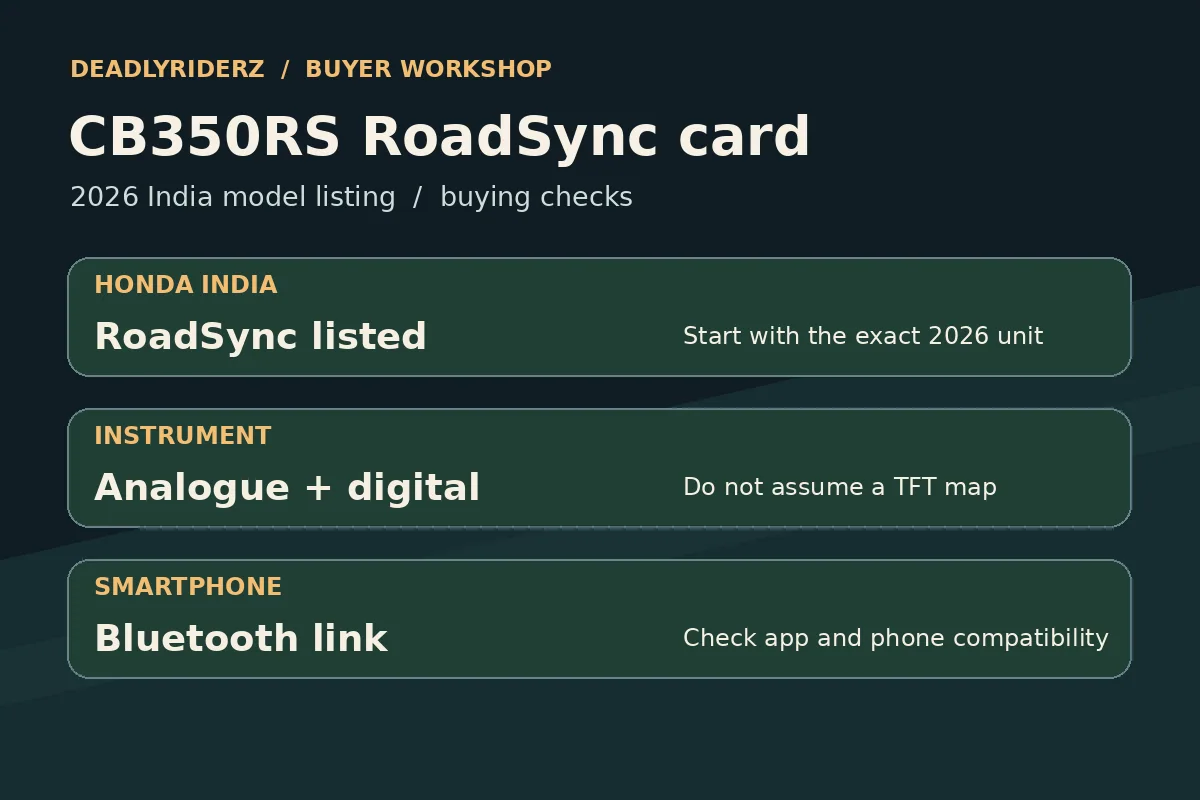
Honda’s RoadSync explainer describes a Bluetooth connection between the app and the bike. It also distinguishes RoadSync from RoadSync Duo, which can show a full map on certain electric motorcycles. Pay attention to which product the salesperson is demonstrating: what you see in a video on one model doesn’t establish what the RS meter can do.
Try this parked demo with your own phone
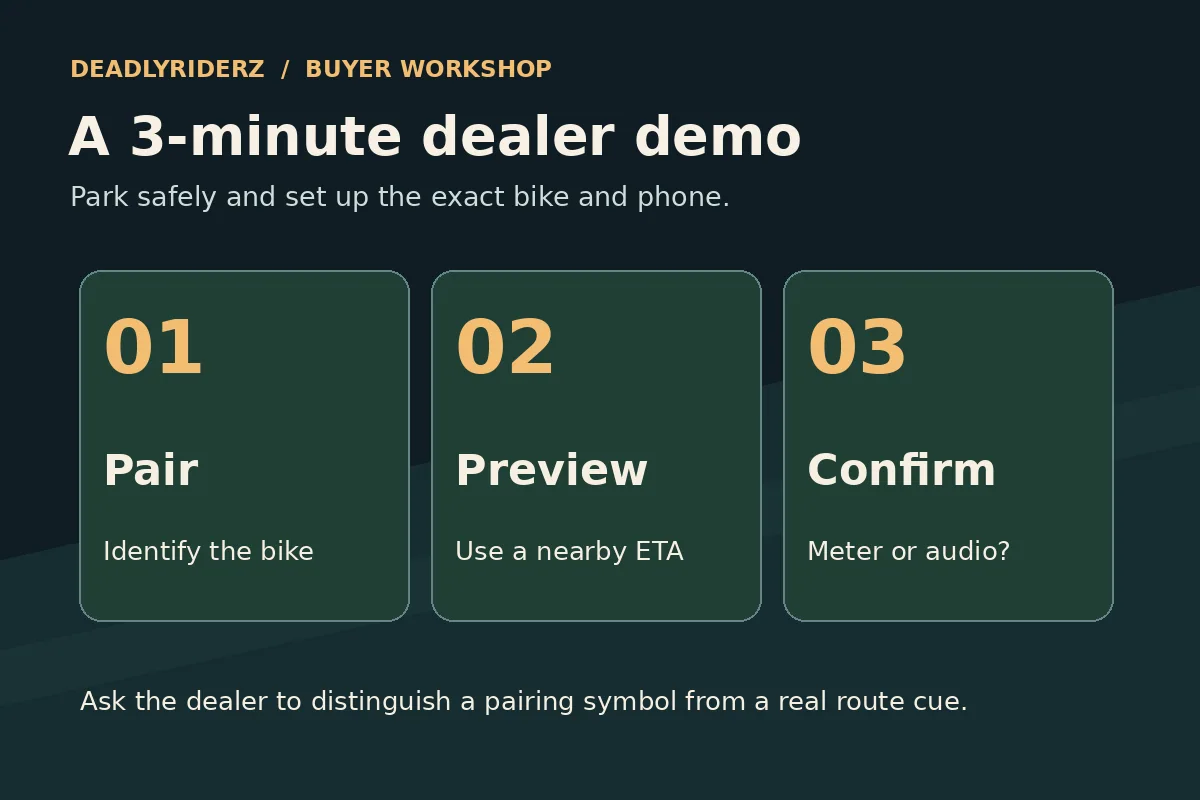
1. Pair the exact bike. Download the official Honda RoadSync app for Android or iPhone. With the bike parked, ask the dealer to show its pairing mode and distinguish a new connection from an existing demo phone connection. Review the requested permissions before granting them; phone, messaging and location features can need different permissions.
2. Preview a familiar route. Set a nearby destination before you set off. Ask the dealer which controls you’ll actually use and whether route directions come from the app, compatible headset or meter. If the only thing changing on the meter is a Bluetooth status symbol, that is not evidence that the meter displays navigation arrows.
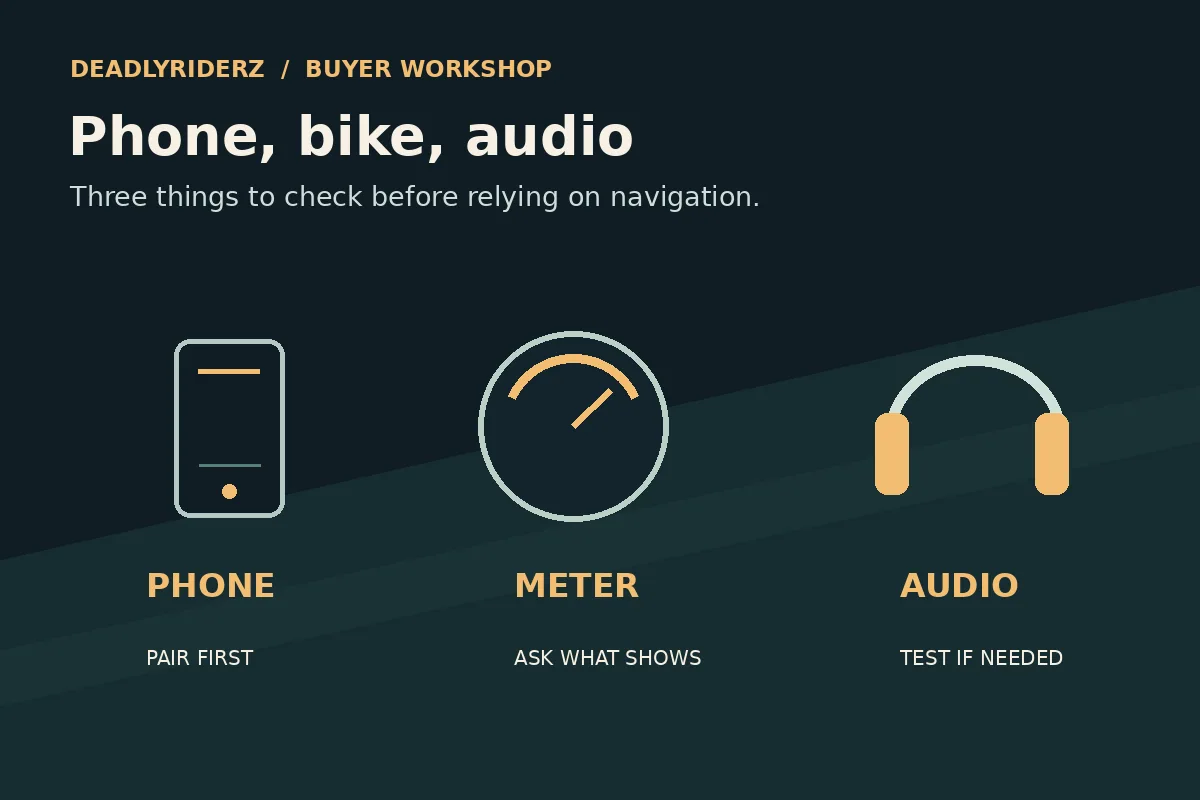
3. Confirm the features you pay for. If audio guidance matters, bring your own headset or ask the dealer to supply one for the demonstration. Honda’s global documentation says a headset with a built-in microphone is needed for text-to-speech and voice recognition. Ask which features remain available on your specific phone, particularly if you change between Android and iPhone. If you pair a personal phone to an unsold bike, remove the pairing once the demo is over.
Android and iPhone are not interchangeable here
Honda’s India CB350-family quick-start guide separates setup by operating system, and shows differences in voice and keyboard destination search and calling or messaging functions. That is useful context for what to test, not a promise that every item in the CB350-family instructions is implemented on your RS. App versions and permissions change, so test on your current phone instead of relying on an old screenshot.
Should RoadSync decide whether you buy it?
I’d make it a tie-breaker, not a reason to buy before riding. Identify what you need: occasional help finding a café, audible turn instructions while a phone stays in your pocket, or a large moving map. Those are different requirements. If you primarily want the large map, do not count RoadSync on a brochure as satisfying it. If the dealer cannot demonstrate the one feature you want, judge the RS on its riding fit and the rest of the quote. For an example of another manufacturer’s phone-linked setup, see the Classic 350 Tripper phone-dependence guide.
Watch: Honda’s RoadSync overview
This is Honda Global’s general product overview. Features shown on other Honda models should not be assumed for the analogue-digital CB350RS.


Pingback: Yamaha FZ-S FI Hybrid Navigation: What to Check